
Category: Portfolio
1. Go to slides.google.com on your PC or Mac computer and create or open a presentation.
2. Select the slide you want to add a timer to in the left sidebar.
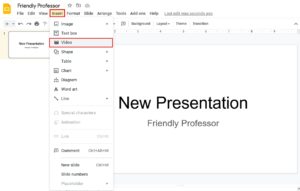
3. In the top toolbar area, select “Insert” and then “Video.”
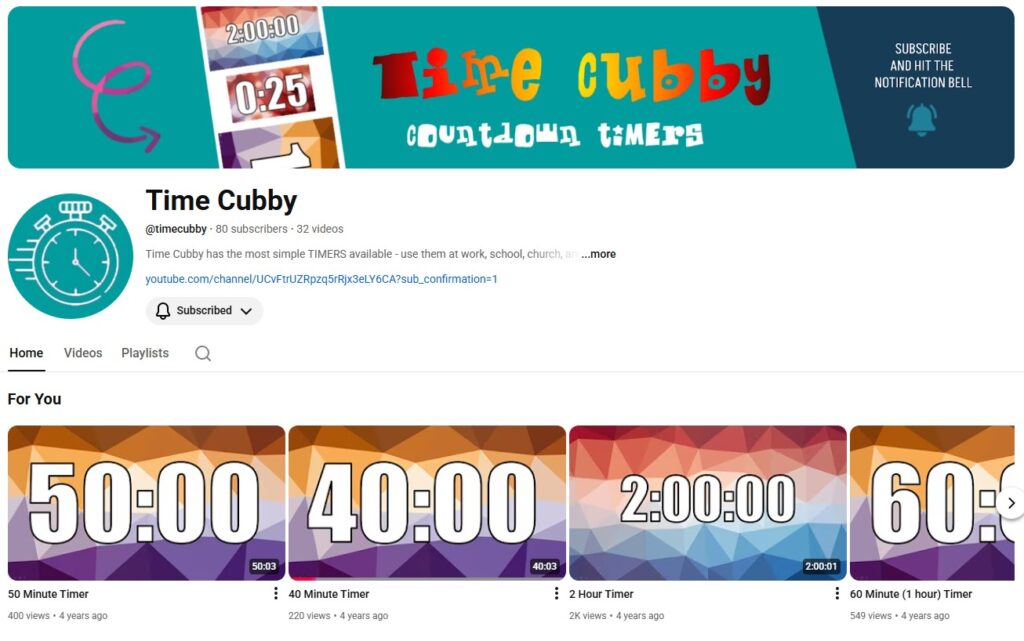
4. Next, open a new tab and go to Time Cubby and find a specific timer video then copy and paste that video’s URL.
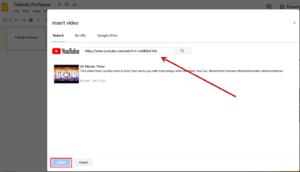
5. Click “Select.”
6. Resize and reposition the timer video as desired.
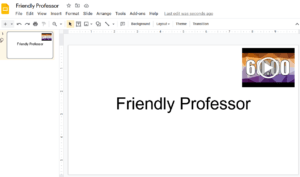
7. Repeat this process to all your slides. BTW, your timer will be visible to everyone you’re giving the presentation too – BONUS!
8. Make sure to select the video to start your countdown timer. Neat eh?
Need more timers?
To access the timer shown above and over 20 others, check out Time Cubby.